How Author‑Vault
Works
From creating your free account to publishing, sharing, and protecting your work — here’s exactly how Author‑Vault works in four simple steps.
-
Join Free
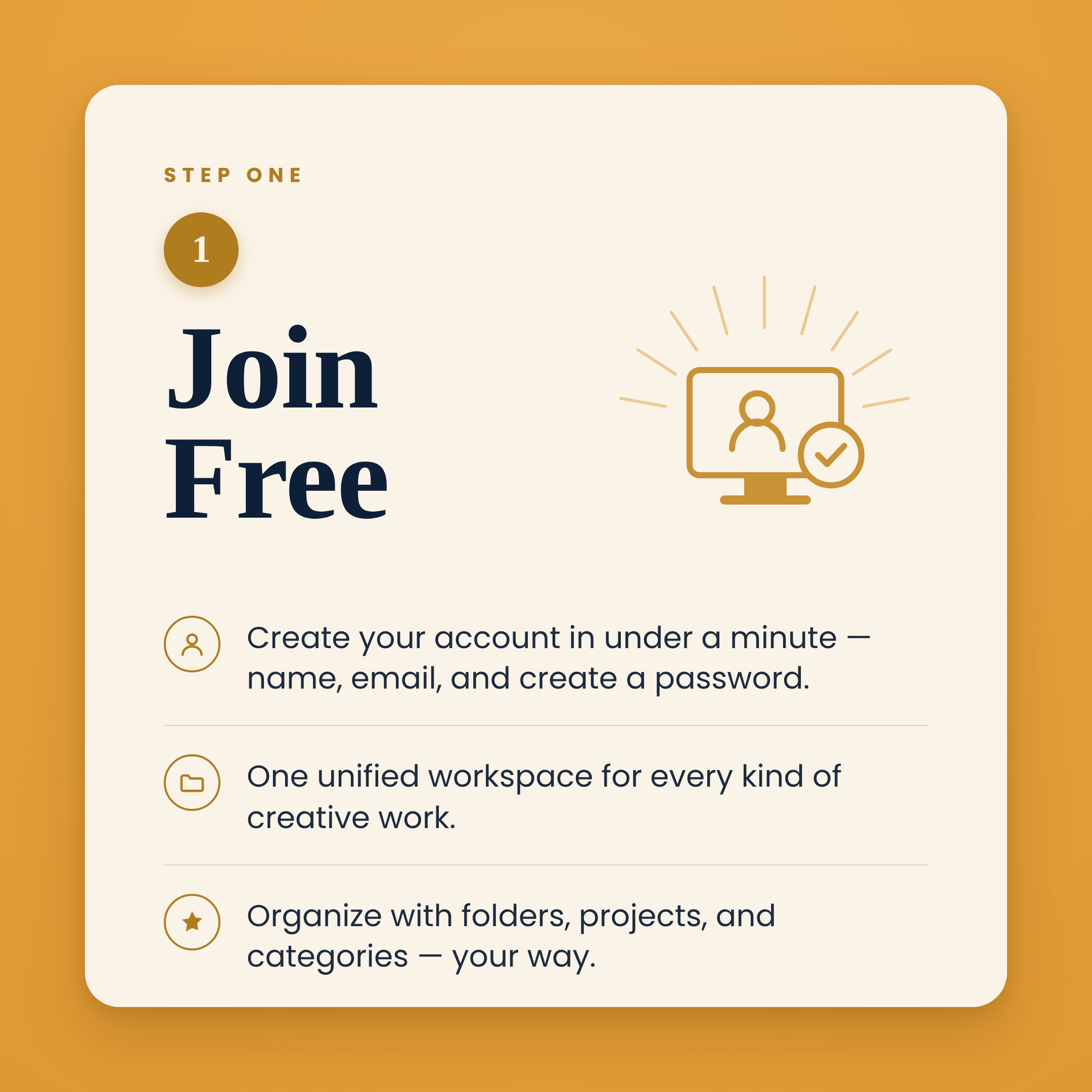
Create your account in under a minute — no credit card, no risk, no special skills needed.
-
Create & Publish
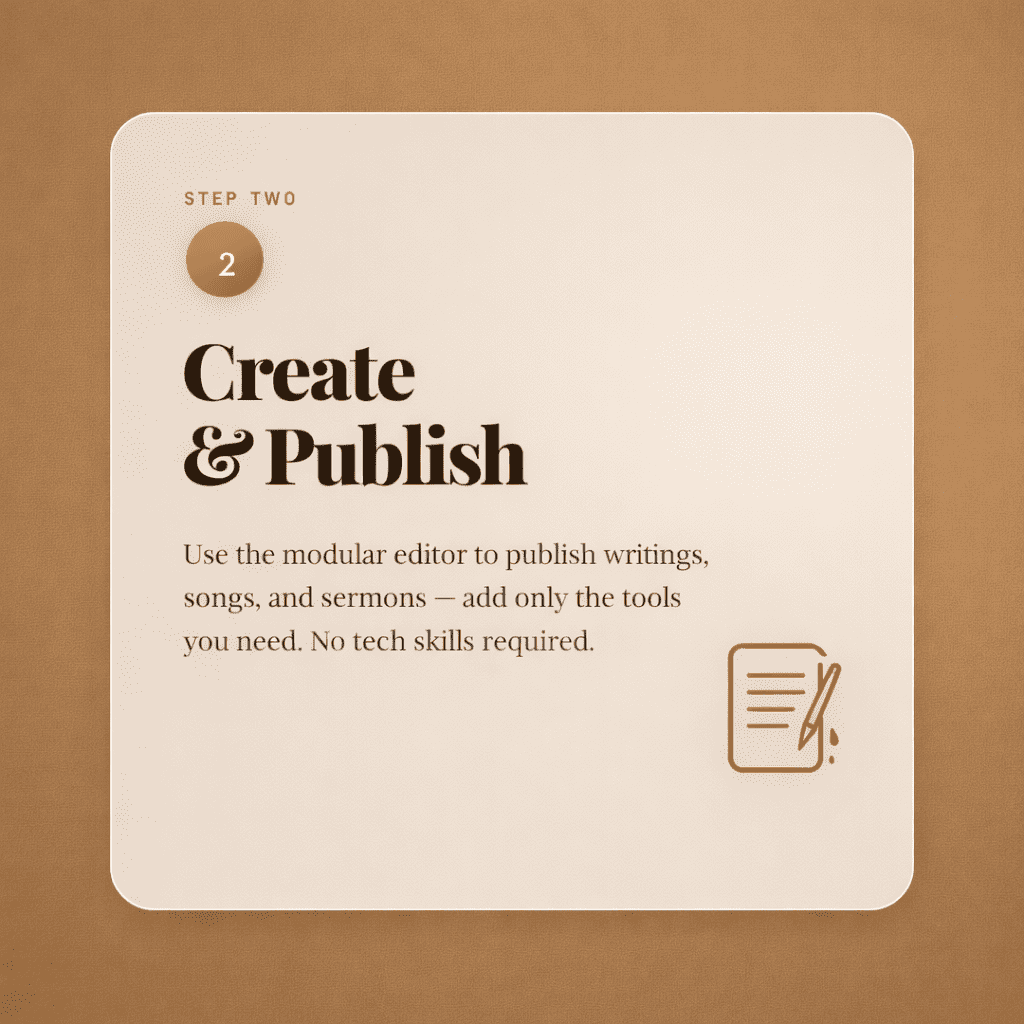
Use the modular editor to write, compose, teach, or create any type of content from one dashboard.
-
Share
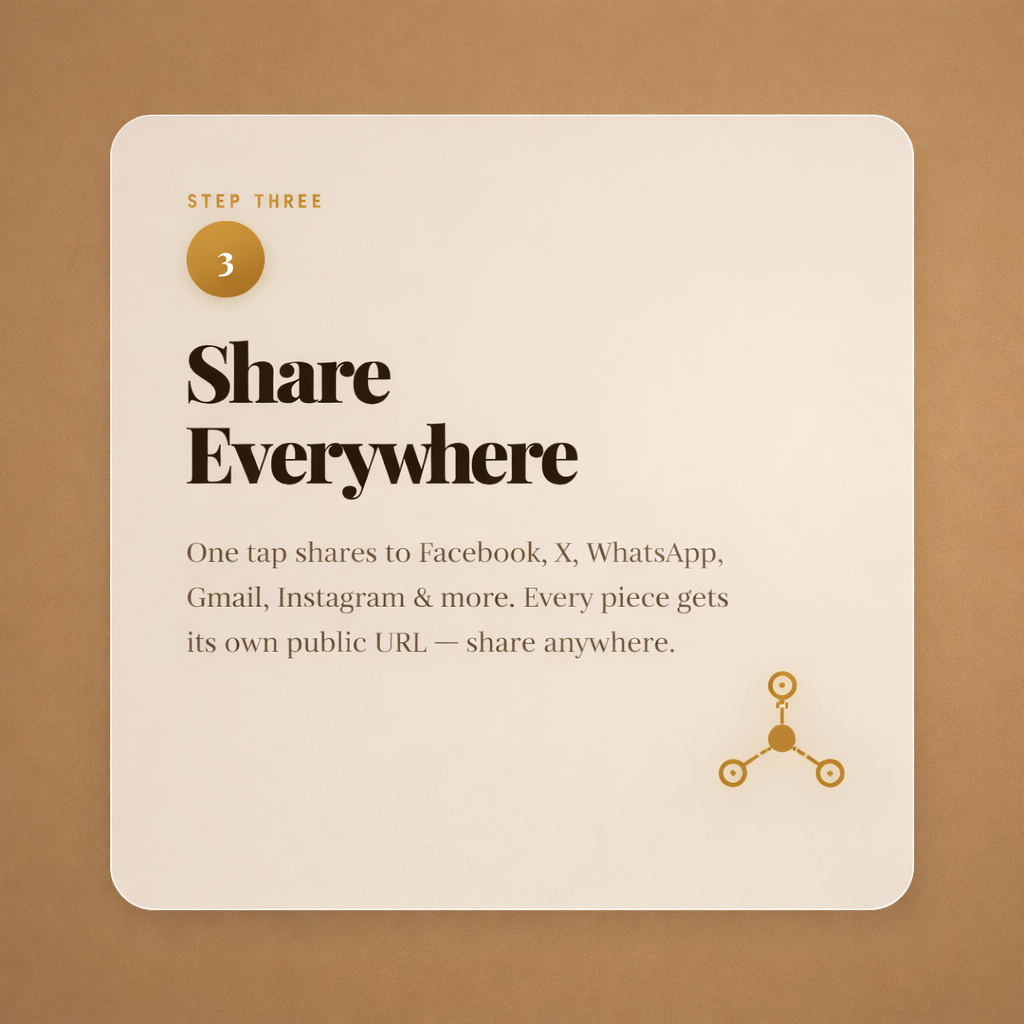
One-click sharing to Facebook, X, WhatsApp, Gmail, Instagram, email and more.
-
Protect
Author-Vault does not use your creative content to train AI models. You control what you publish or share.
Create Your
Free Account
Getting started with Author‑Vault takes less than a minute. No platform selection, no technical setup — just your name, email, and a password.
- ✓Instant access to every creative tool — writing, music, ministry, and more
- ✓No role selection needed — your vault covers every type of creative work
- ✓Free Starter plan — no card required to begin
- ✓Upgrade to Pro ($5.99/mo) or Pro+ ($9.99/mo) whenever you're ready
- ✓Your profile page goes live automatically — shareable from day one
Create & Publish
Your Content
Head to your dashboard and use the unified modular editor. Choose what you're creating, add tags, then add only the tools you need — no cluttered forms, no guesswork. Organize everything into folders, projects, and categories you create yourself.
- ✓Content-type-first editor for stories, songs, messages, poems, and more
- ✓Audio file upload for songs and recordings (MP3, WAV, FLAC)
- ✓Cover image, lyrics, scripture reference, series, and video link tools
- ✓Attach PDFs, manuscripts, and documents to any post
- ✓Organize into folders, projects & categories — or post quick and file later
Share Your Work
Everywhere
Every piece you publish gets its own public page and a set of one-click share buttons — built directly into your dashboard. Reach your audience across every platform with a single tap.
- ✓Share to Facebook, X (Twitter), WhatsApp, and Messenger
- ✓Share via Gmail, email, Instagram, and TikTok
- ✓Share the post page and the audio file separately — ideal for songs page & sermons
- ✓Every piece has its own shareable public URL — copy and send anywhere
- ✓Your public profile page showcases everything you've published
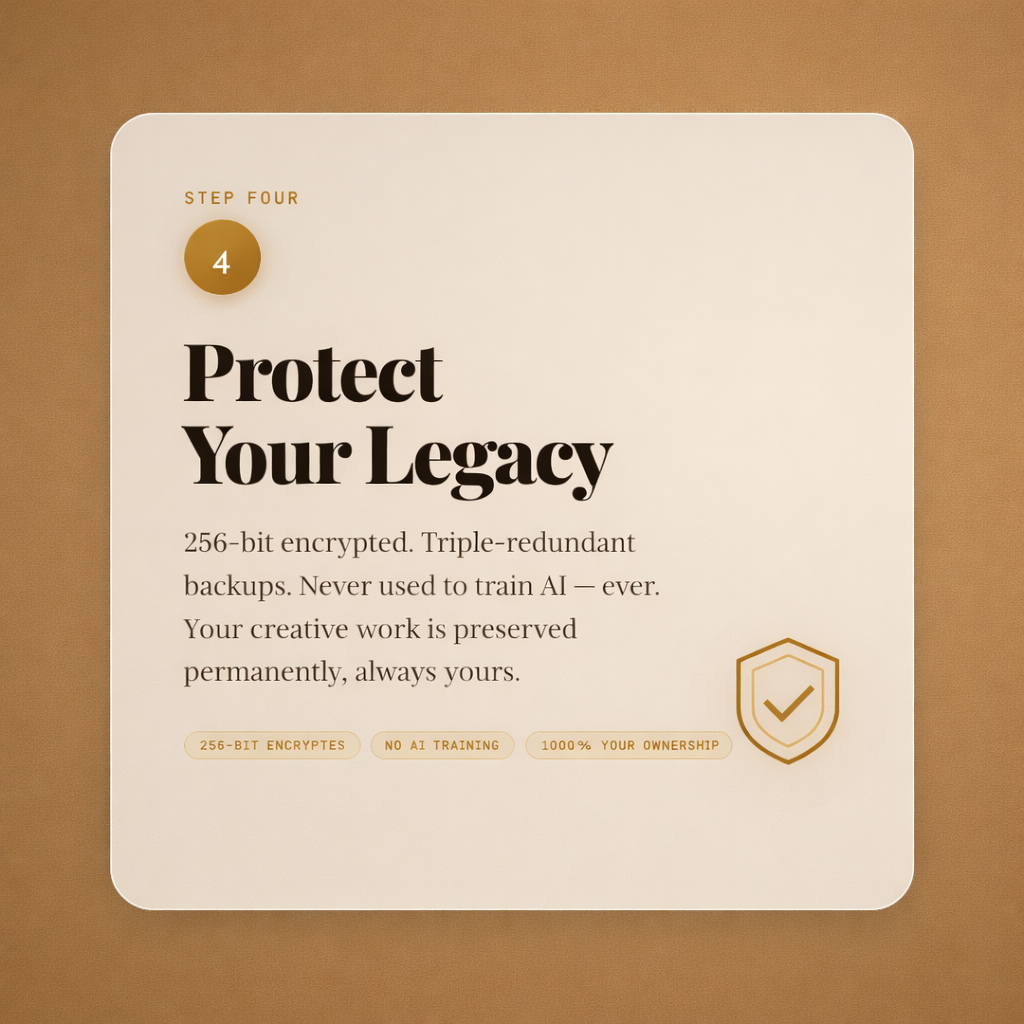
Preserve Your
Legacy Forever
This is why Author‑Vault exists. Your life's work deserves more than a hard drive that could fail or a platform that could disappear. We built a vault that lasts.
- ✓256-bit AES encryption on every file you store
- ✓Triple-redundant cloud backups across separate data centres
- ✓Author-Vault does not use your creative content to train AI models
- ✓Full ownership — no hidden licensing or rights grabs
- ✓Export your entire vault anytime — you're never locked in
Optional AI &
Design Tools
Use outside tools to explore ideas or create graphics, then upload your finished work to Author-Vault.
These optional tools open outside Author-Vault. Opening a link does not send your Vault content to the service. Anything you choose to enter or upload there is handled under that provider’s terms and privacy policy.
You decide what to share with outside services. These links do not give them access to your private Vault. Publicly published work can be viewed and copied by others.
Common Questions
Everything you need to know before you start vaulting.
What file types can I upload?
Does Author-Vault use my work to train AI?
Can I share my content on the Free plan?
What happens to my vault if I cancel?
Is there a storage limit on the Free plan?
How secure is Author‑Vault really?
Start Vaulting Your
Work Today
Start free today. No risk, no catch — just your life's work, finally safe, organized, and forever yours.
Create Your Free VaultFree plan with Every creative tool included · Cancel anytime ·